BUSINESS COMMUNICATIONS
Modern & flexible communication options connecting your team and your customers:
AI Integration
VoIP
Cell Phone Apps
Call Center
Get in touch
Customer Service:
201-817-1350
What we offer?

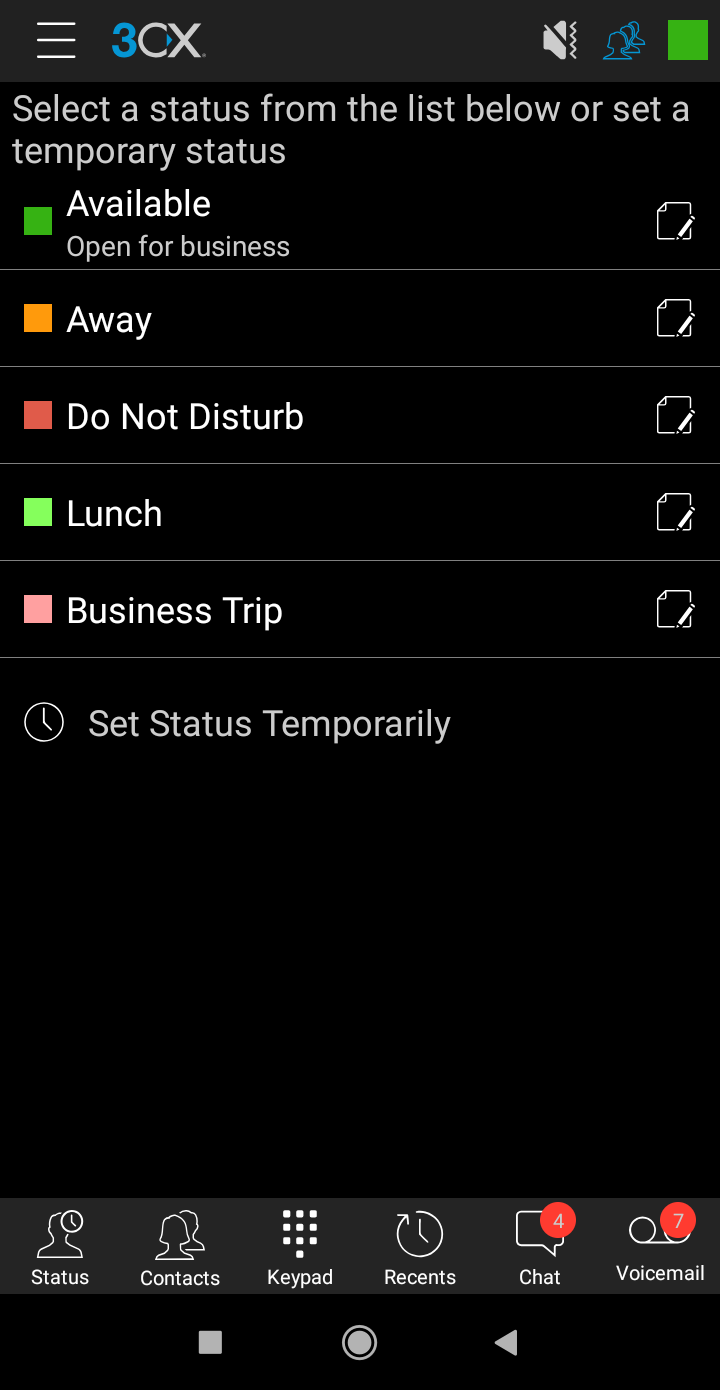
Control Your Desk Phone
Inbuilt Smartphone for Calling
Call Management through Switchboard
Complete CRM Package

Web Conferencing
Video Conferencing
Advance Features to carry out smooth collaborative touch-base
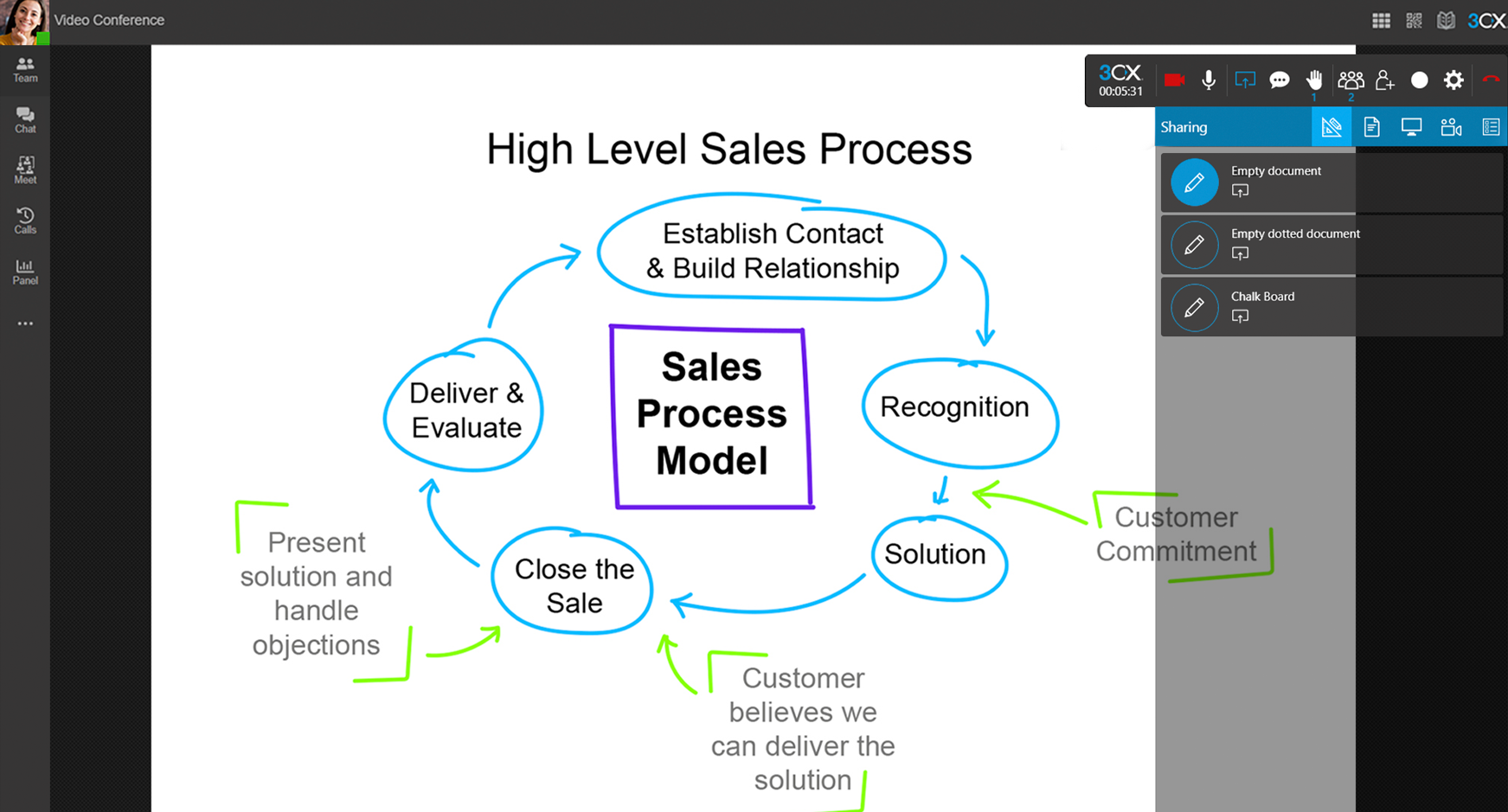
Unified Communications
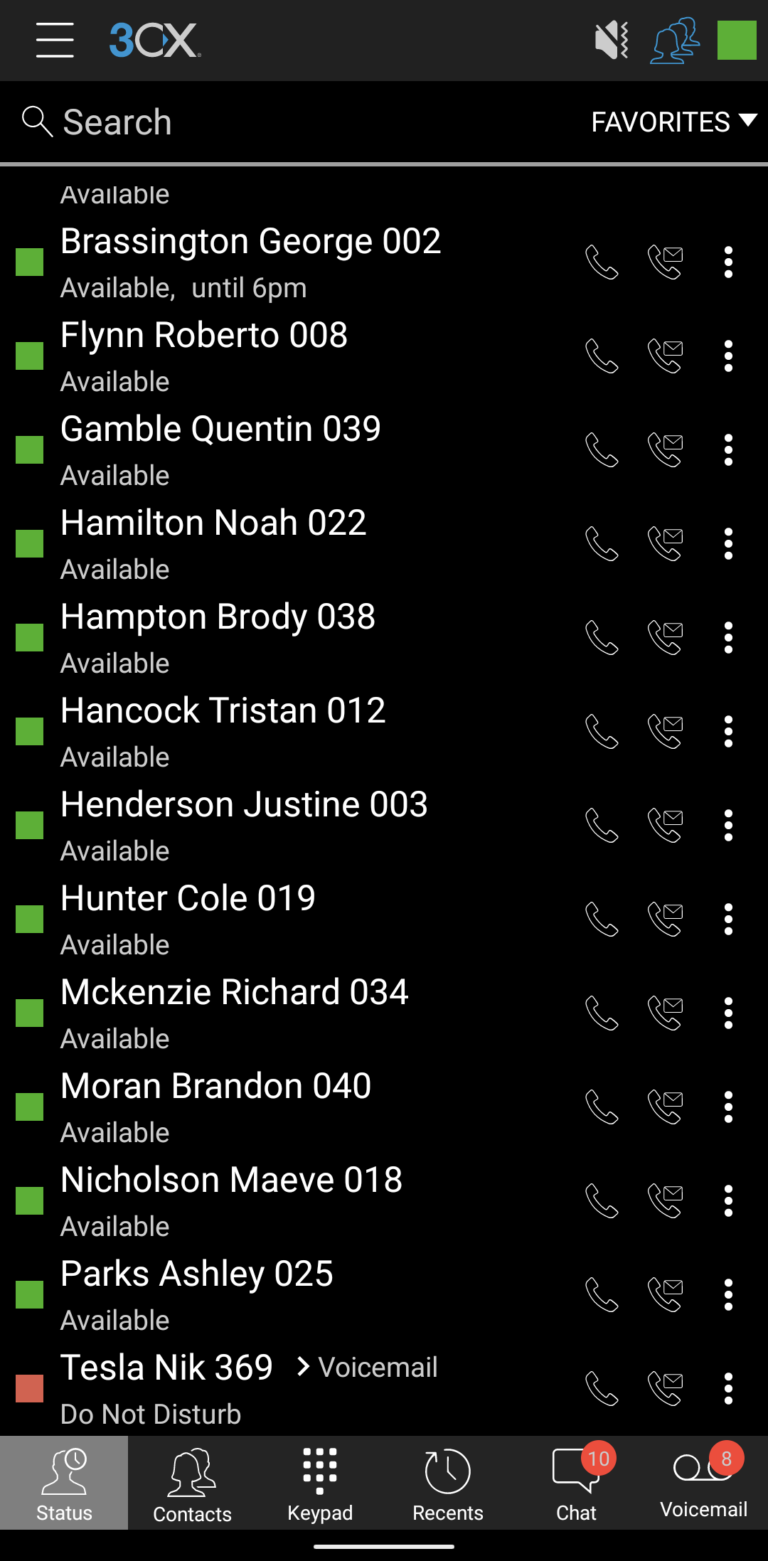
Displays Colleague’s presence
Delivers Faxes & Voicemails to inbox
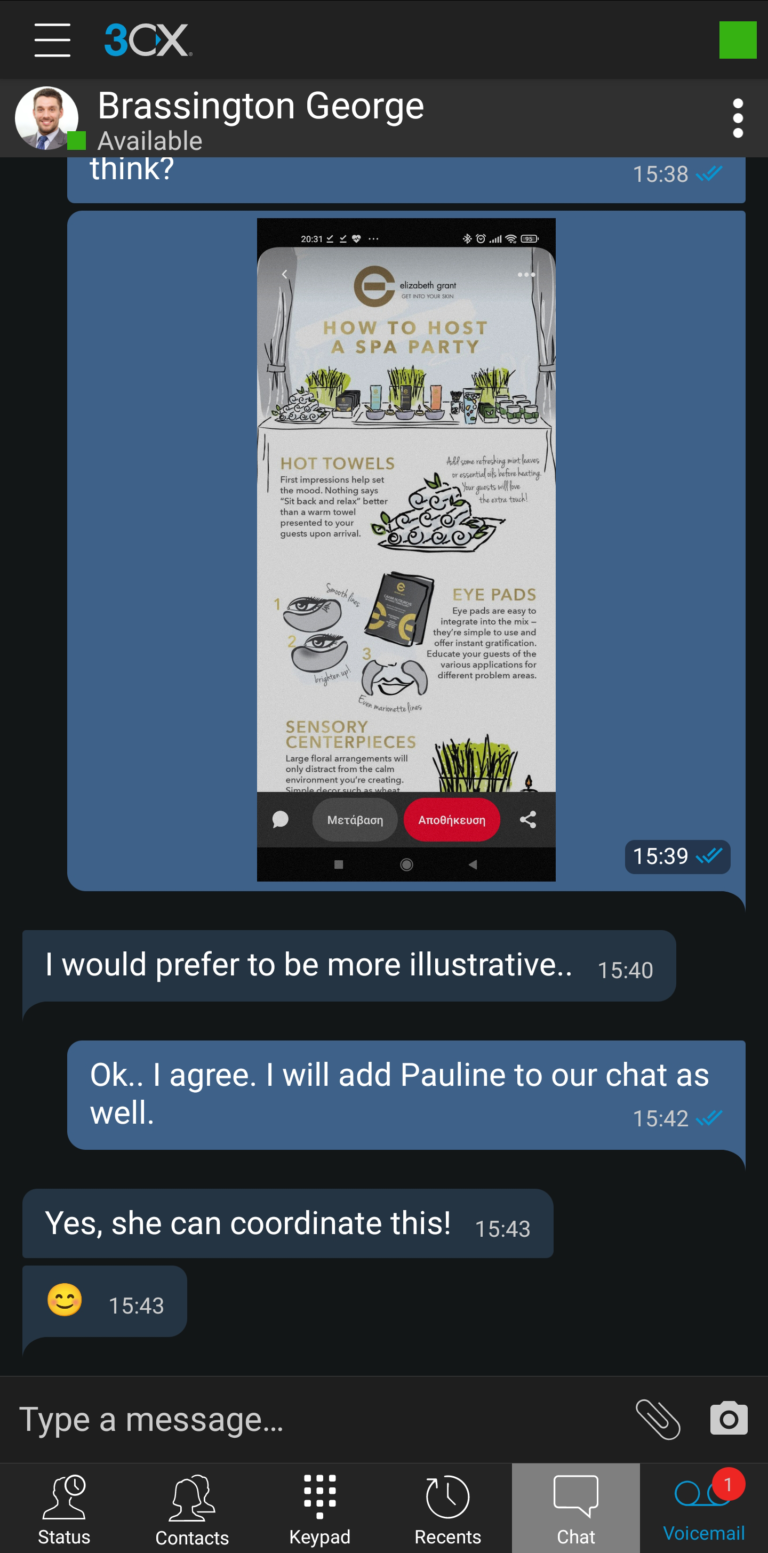
Instant Messaging / Text Chat
What’s So Special?
Prominent Features
Cloud-Based Phone System
Softphone Access on Desktop
Audio & Video Conferencing
Live Chat & Calls
Security & Back-up
Web-Based Control Panel
Office 365, Google & Outlook integration
Stay Connected through Mobile App
K+
Customers
+
Clients Globally
+
IP provisionings
Find Perfect VOIP
Solutions
Control anywhere
An easy to use WebMeeting Remote Control that allows you connect to and control a computer remotely from anywhere around the world.
Cloud Communication Solution
Stay connected with your team and enjoy they 99.99% uptime with cloud hosted PBX allowing you to always be in complete control of your data.
24×7 Support
A dedicated team to provide ongoing technical upkeep, support, and monitoring in accordance with your needs.
Need a Simple to Use, High Security VoIP? Use TipsTalk .

Check out
UP TO
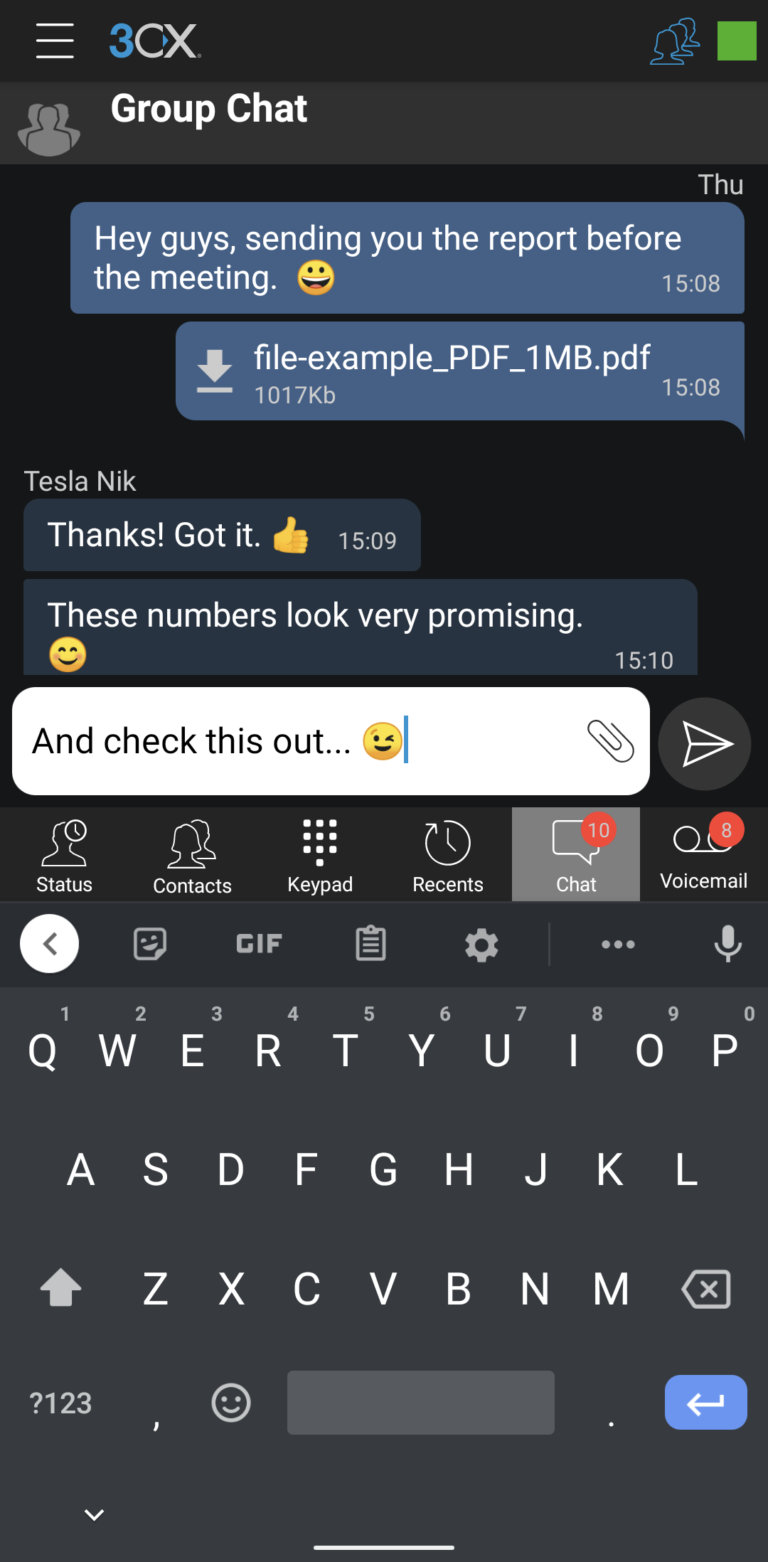
Live Chat
PER Second
Live Chat
One of the simplest and most efficient ways to communicate with your customers is live chat. In contrast to most other support channels, such as email, you can provide your customers with faster support and address their issues quickly to increase your conversion rates.
Monthly
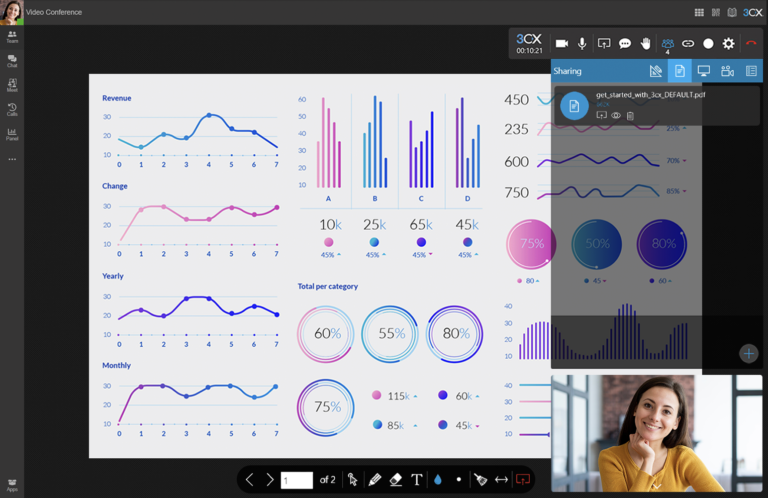
Management Console
The Web Client Admin section can be used for the majority of their configuration. However, some features, the dashboard, and legacy functionality are only accessible from the Management Console. The new Web Client Admin section will eventually house all management-related features. You must be a System Admin or System Owner to access the Management Console.
Texting. Calling.
One reliable carrier for all your needs
Voip High/Security
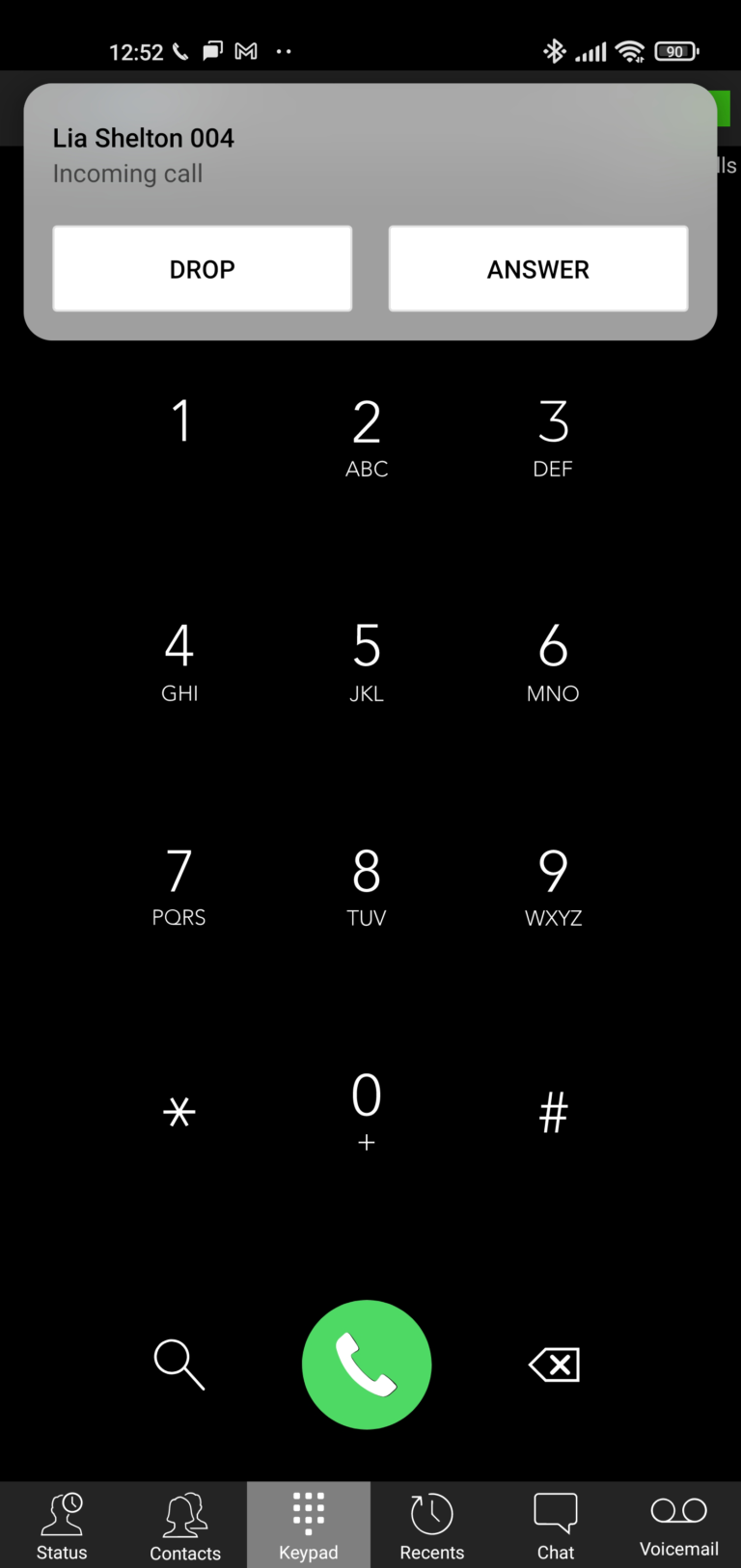
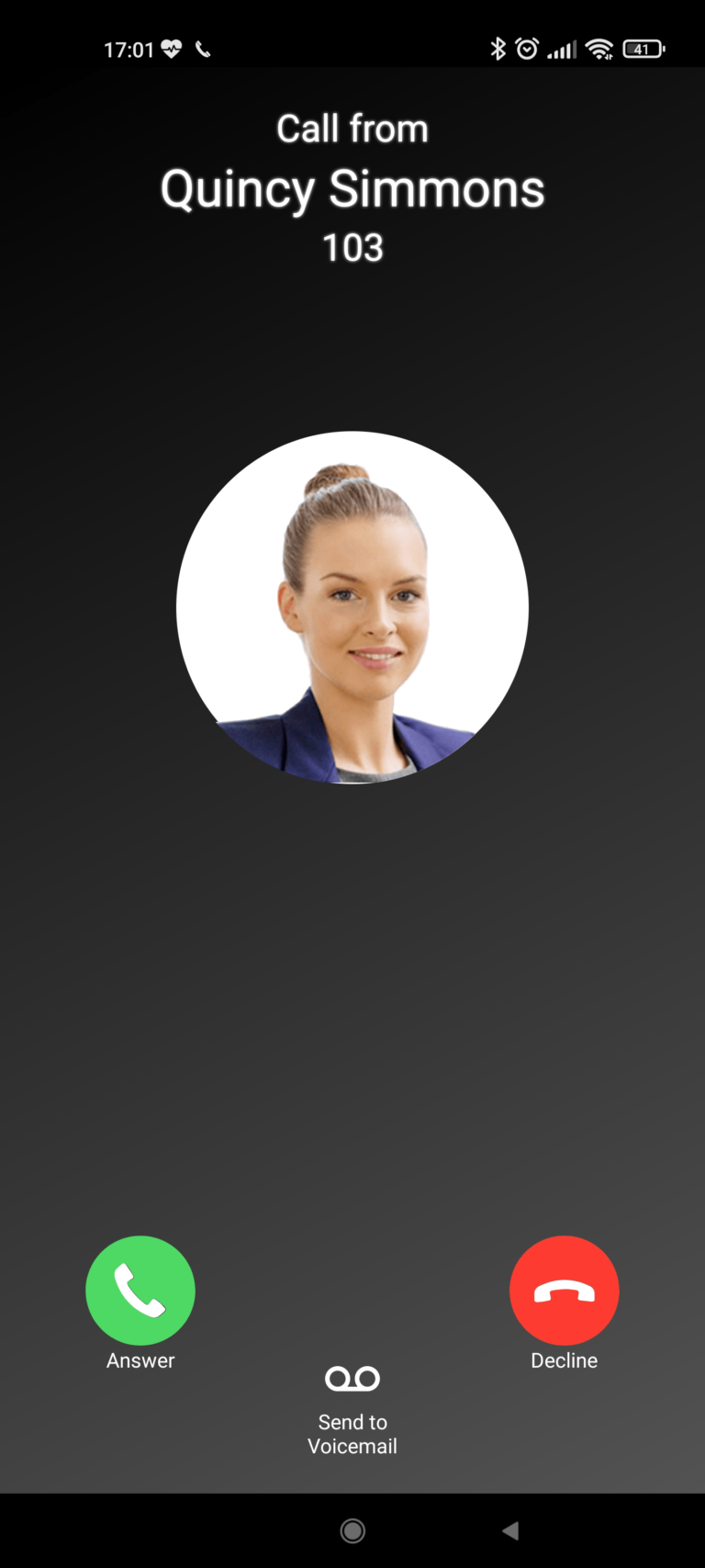
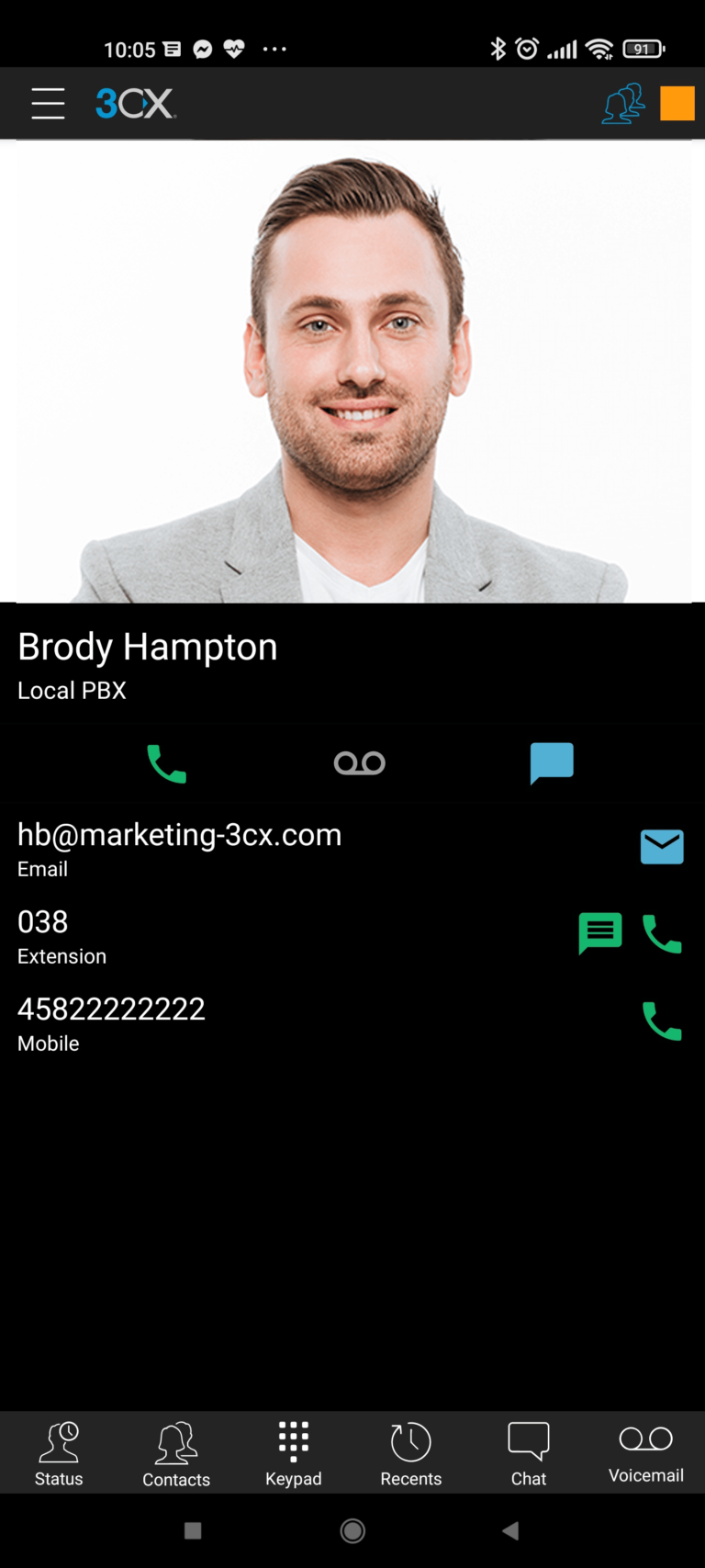
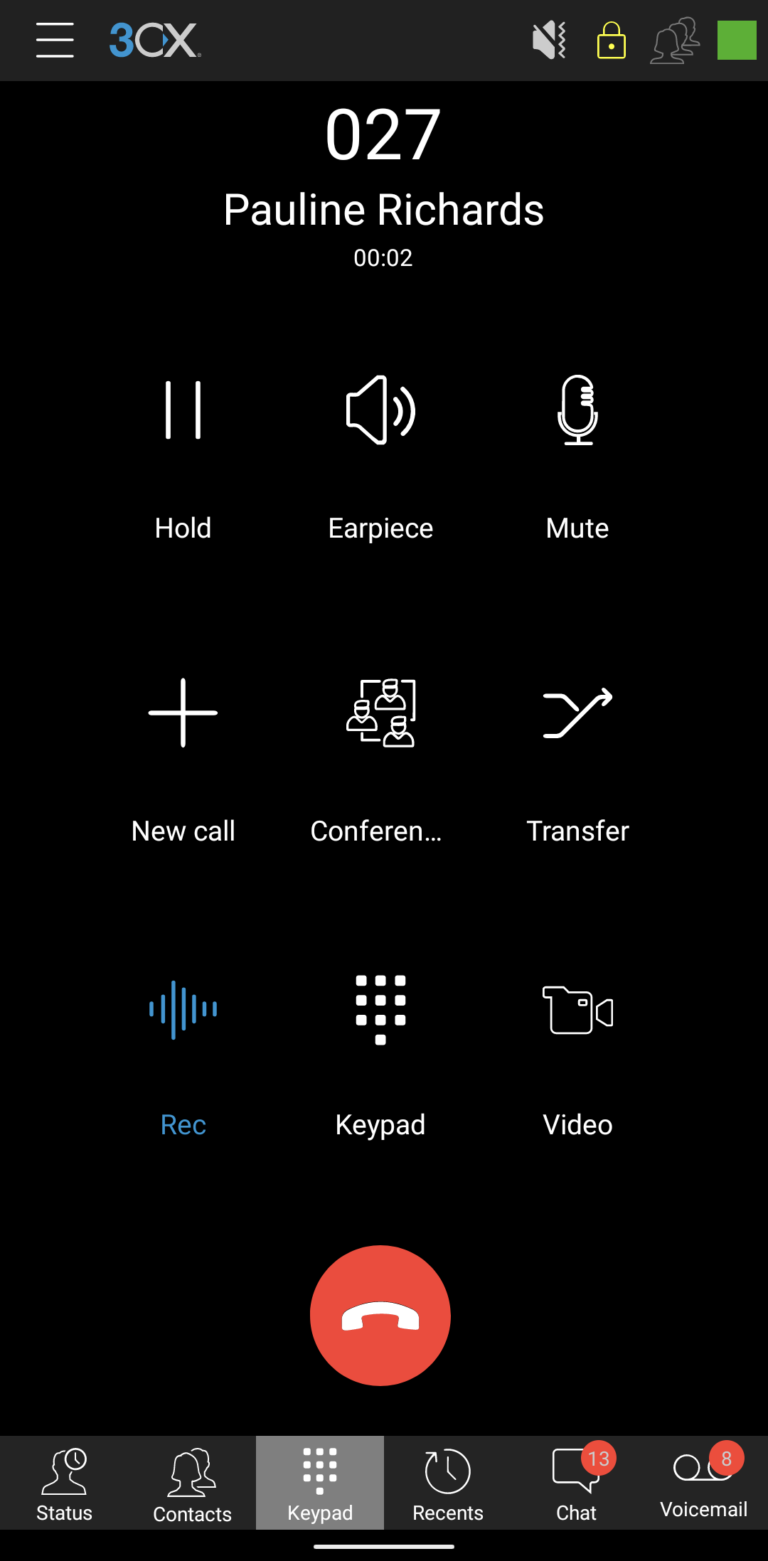
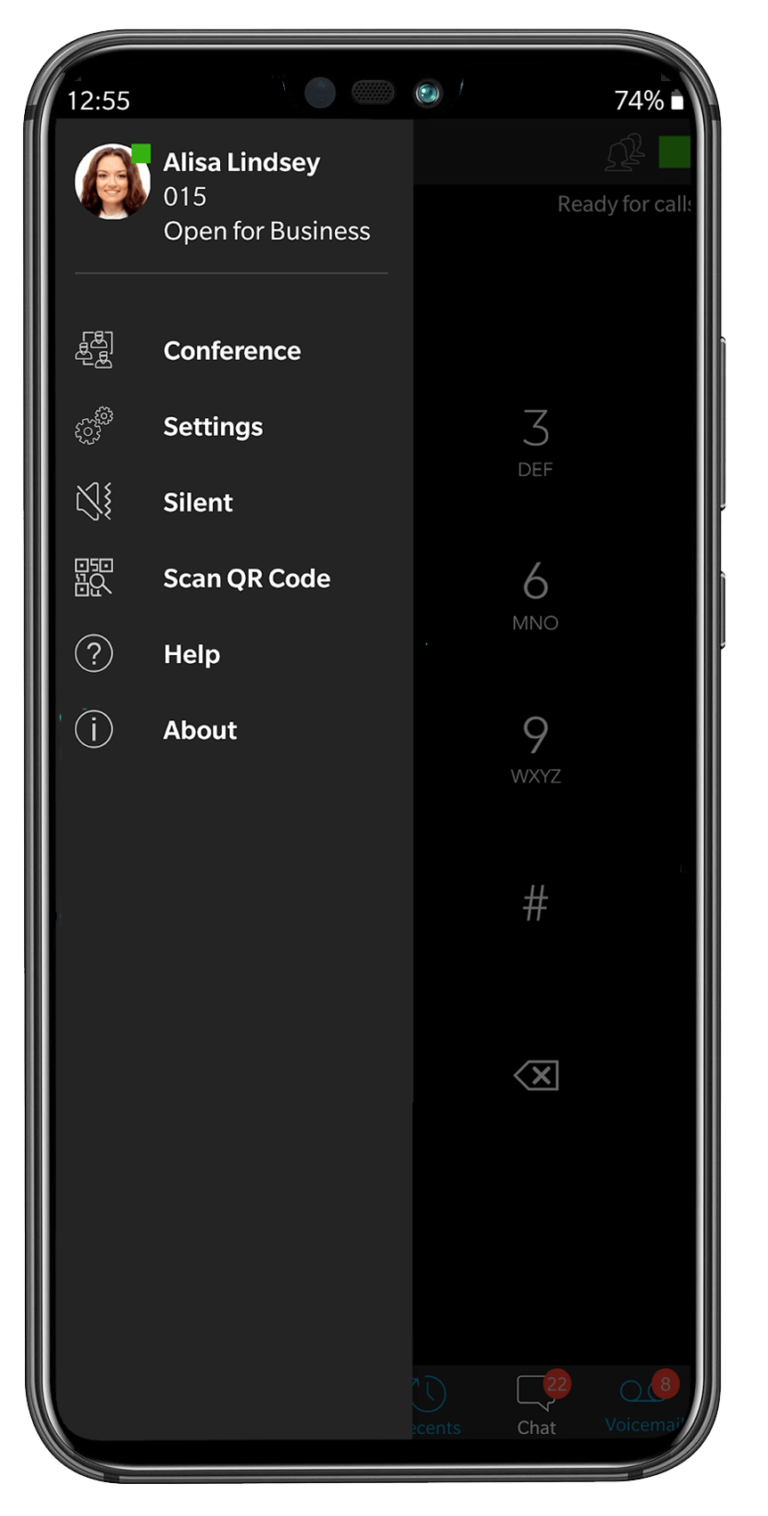
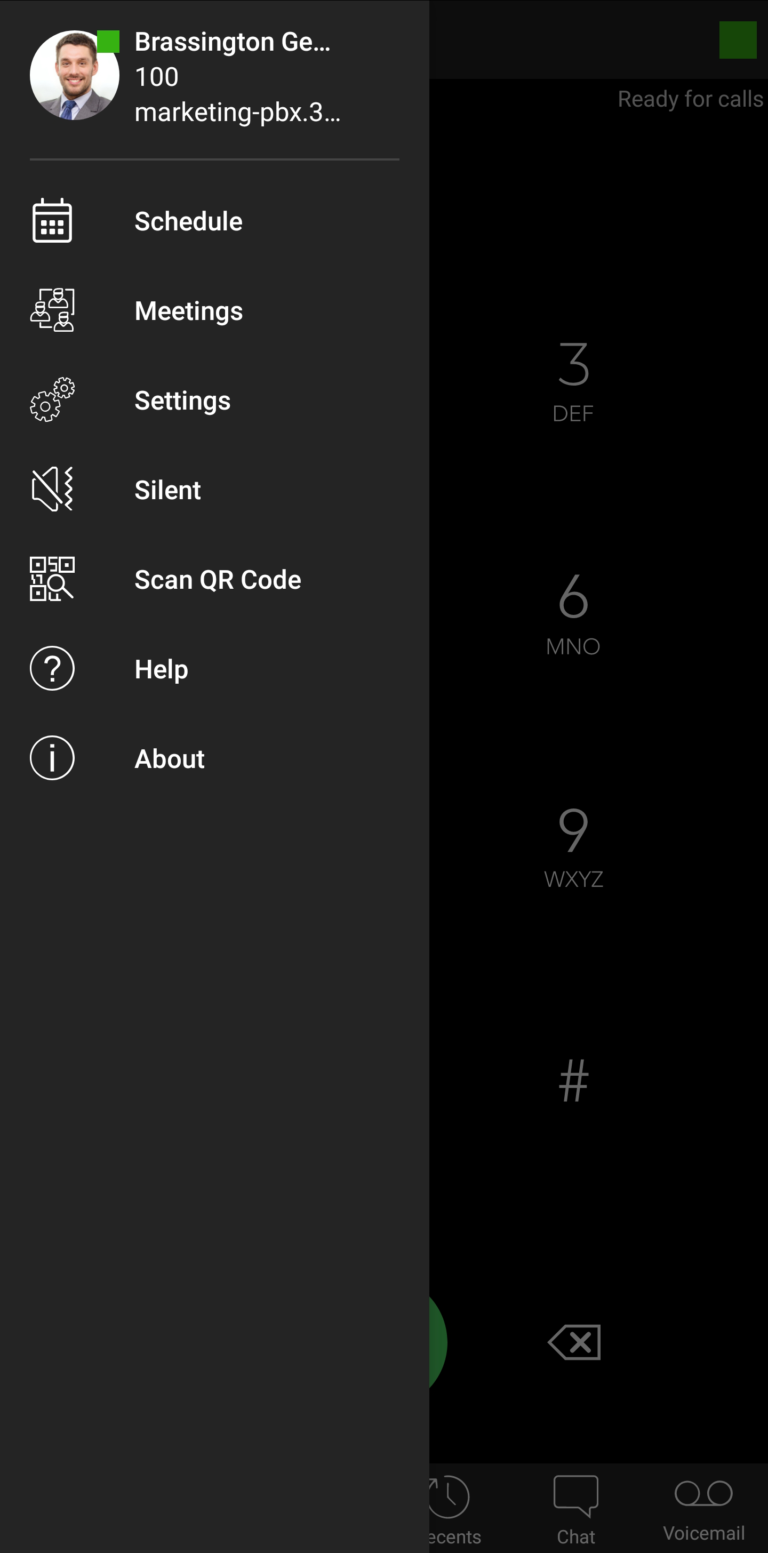
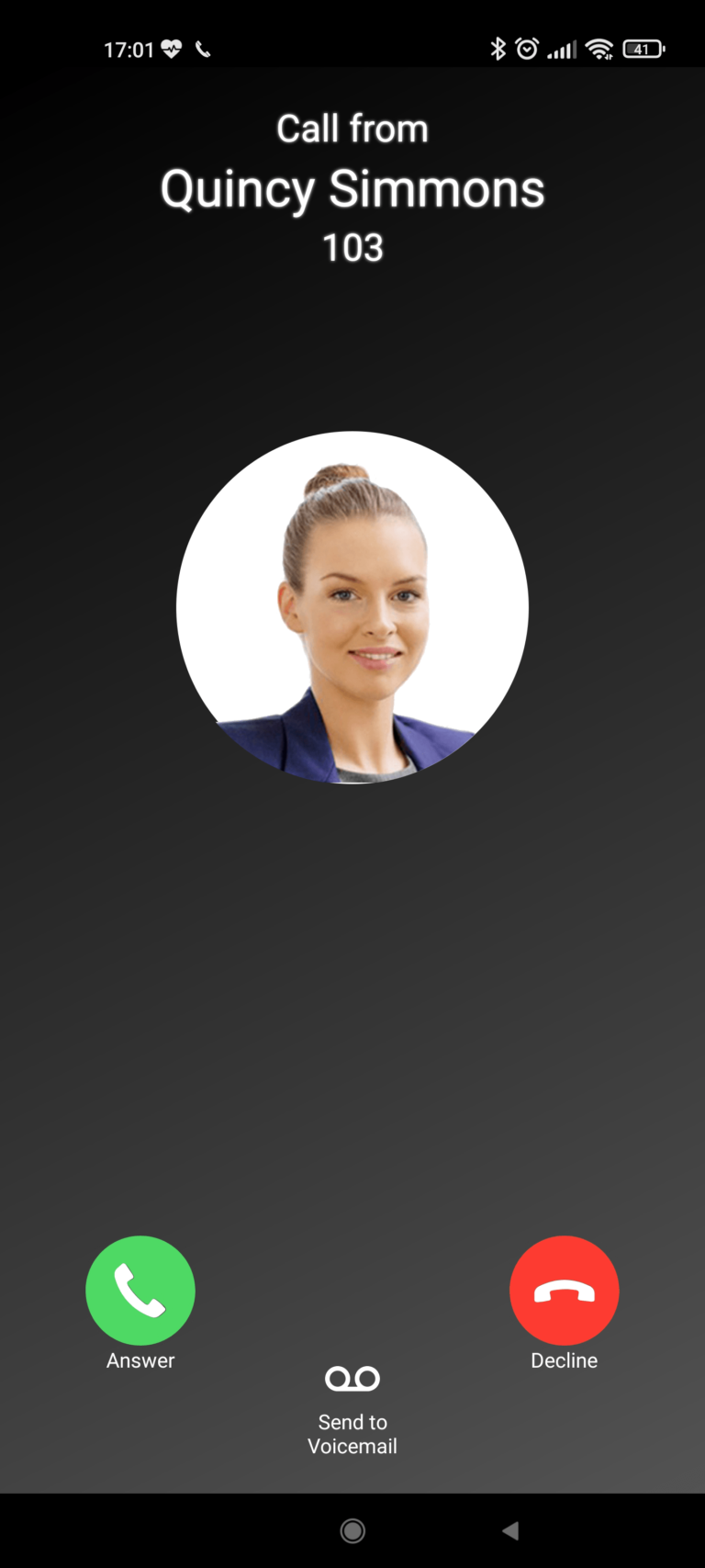
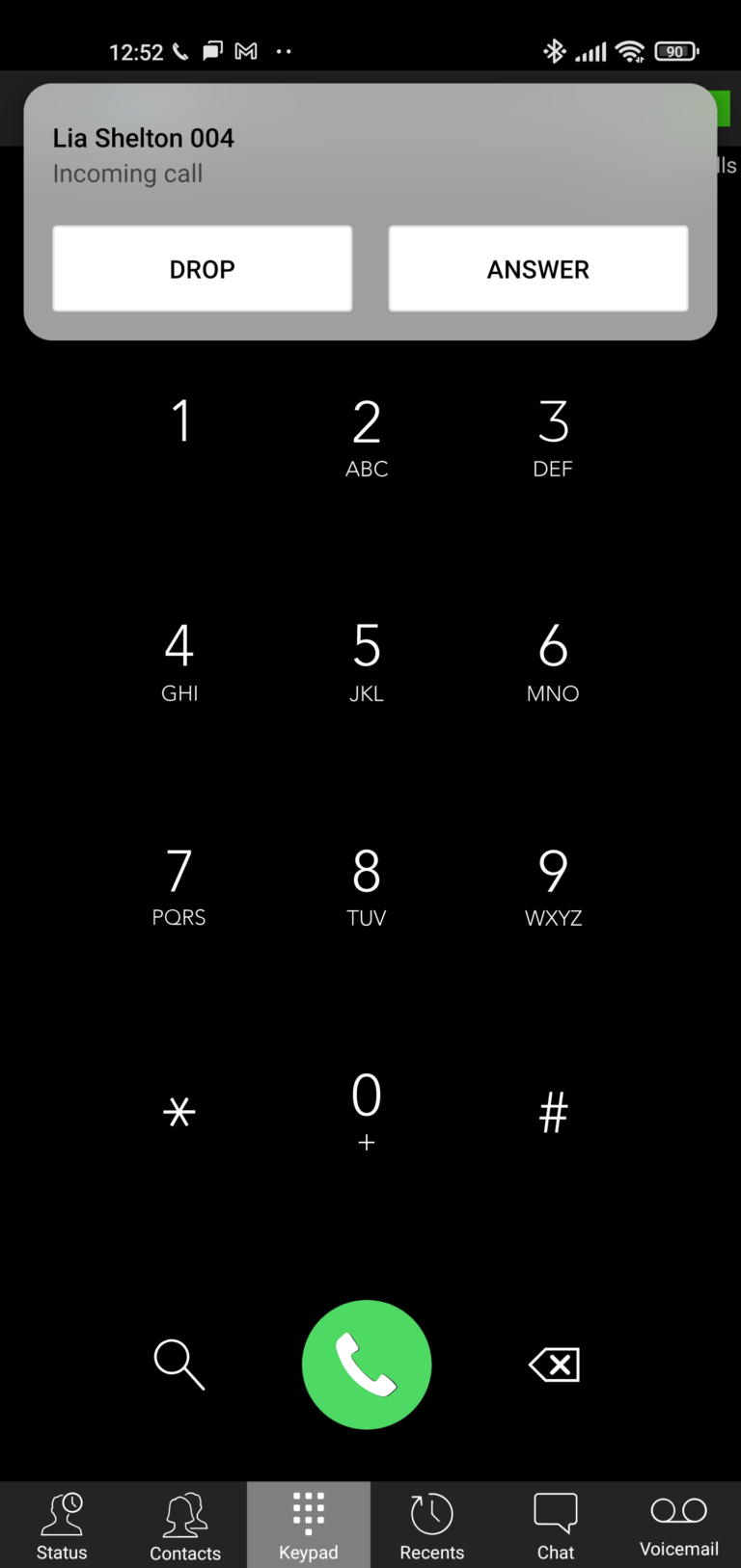
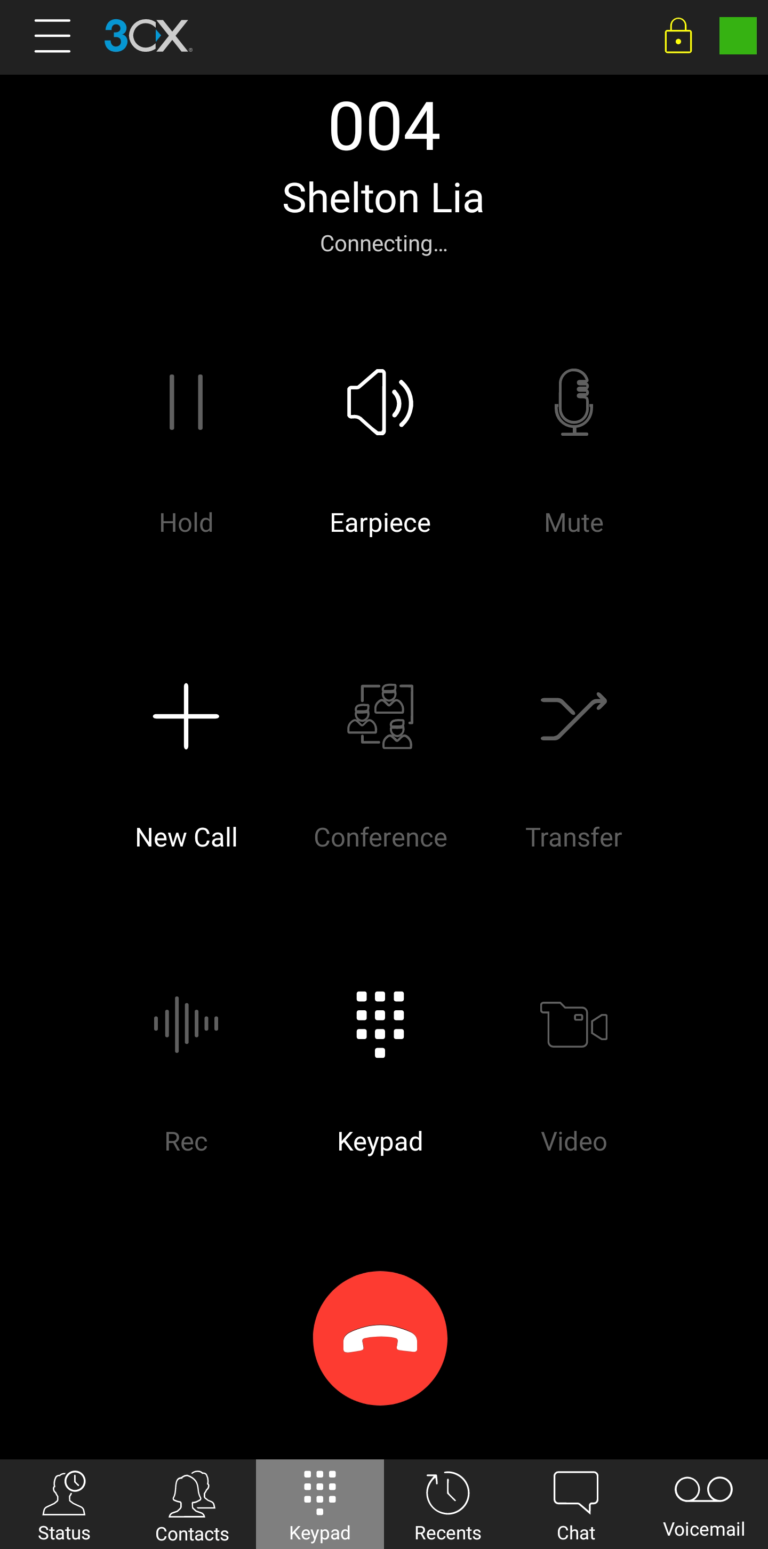
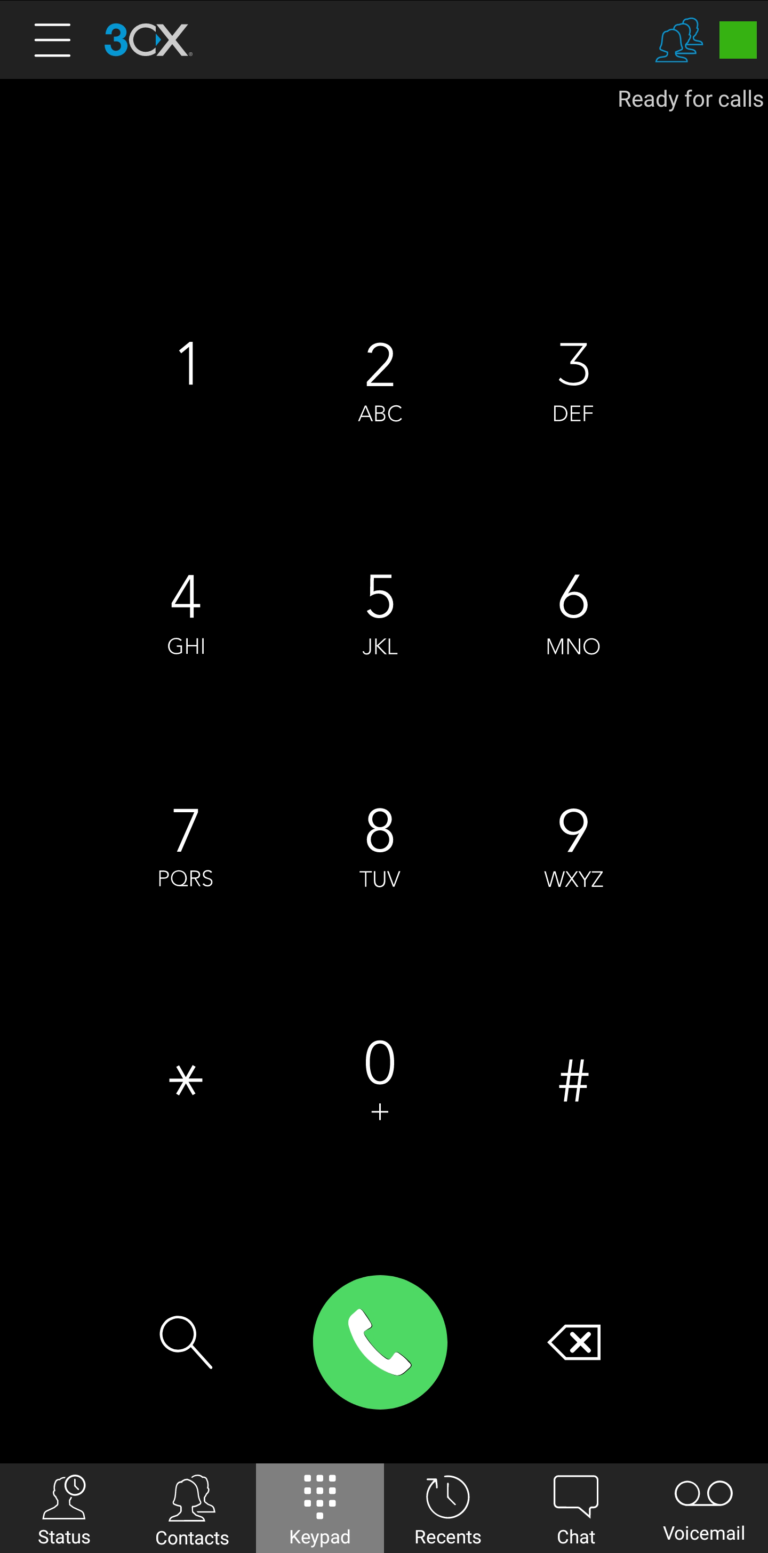
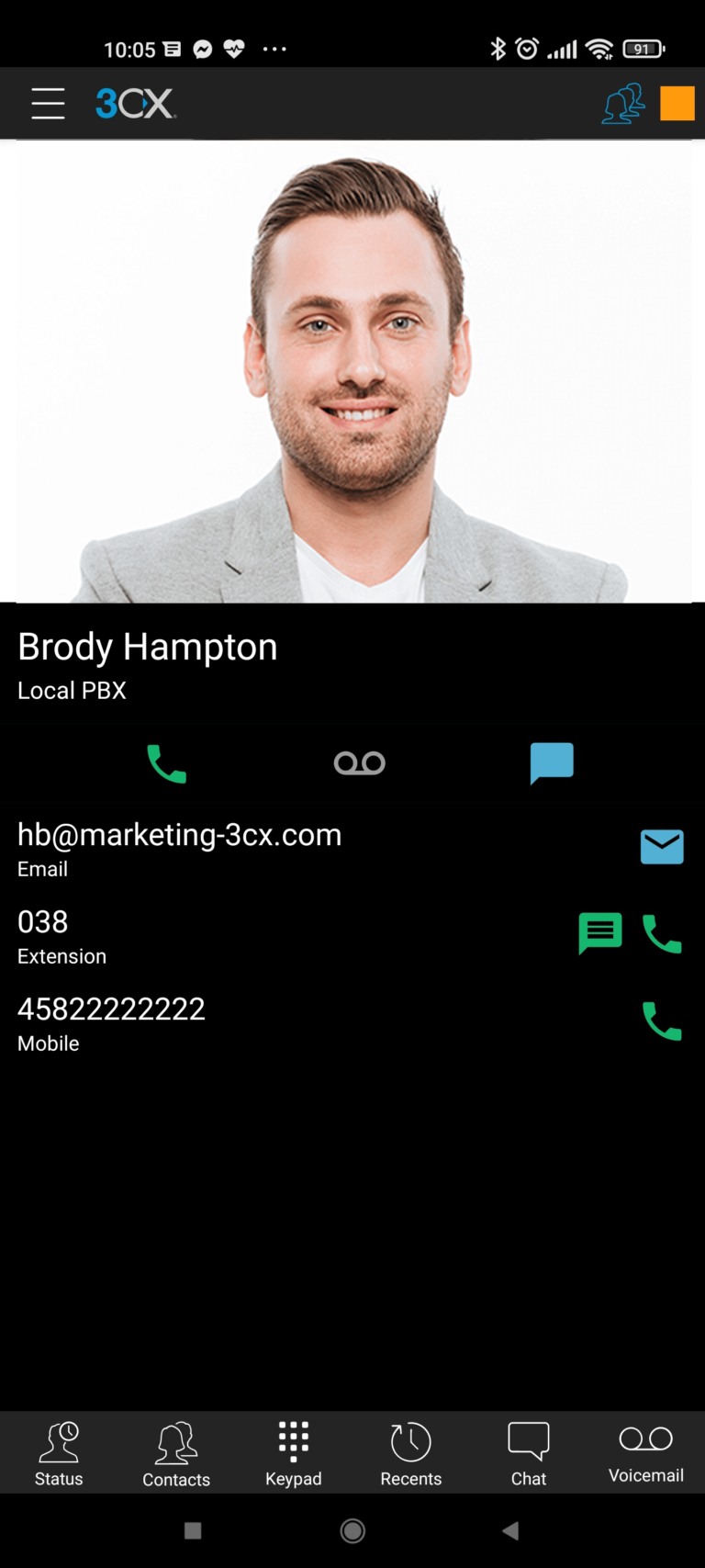
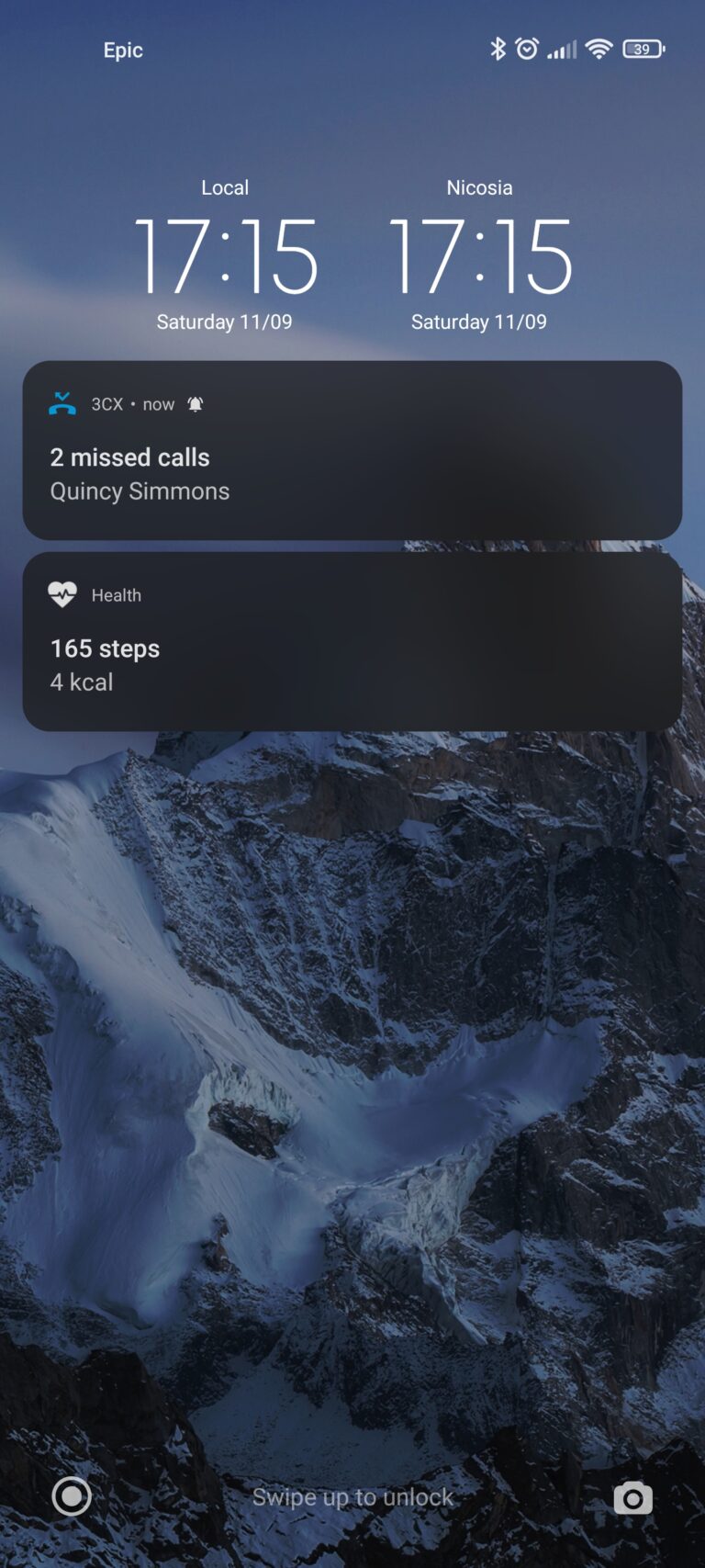
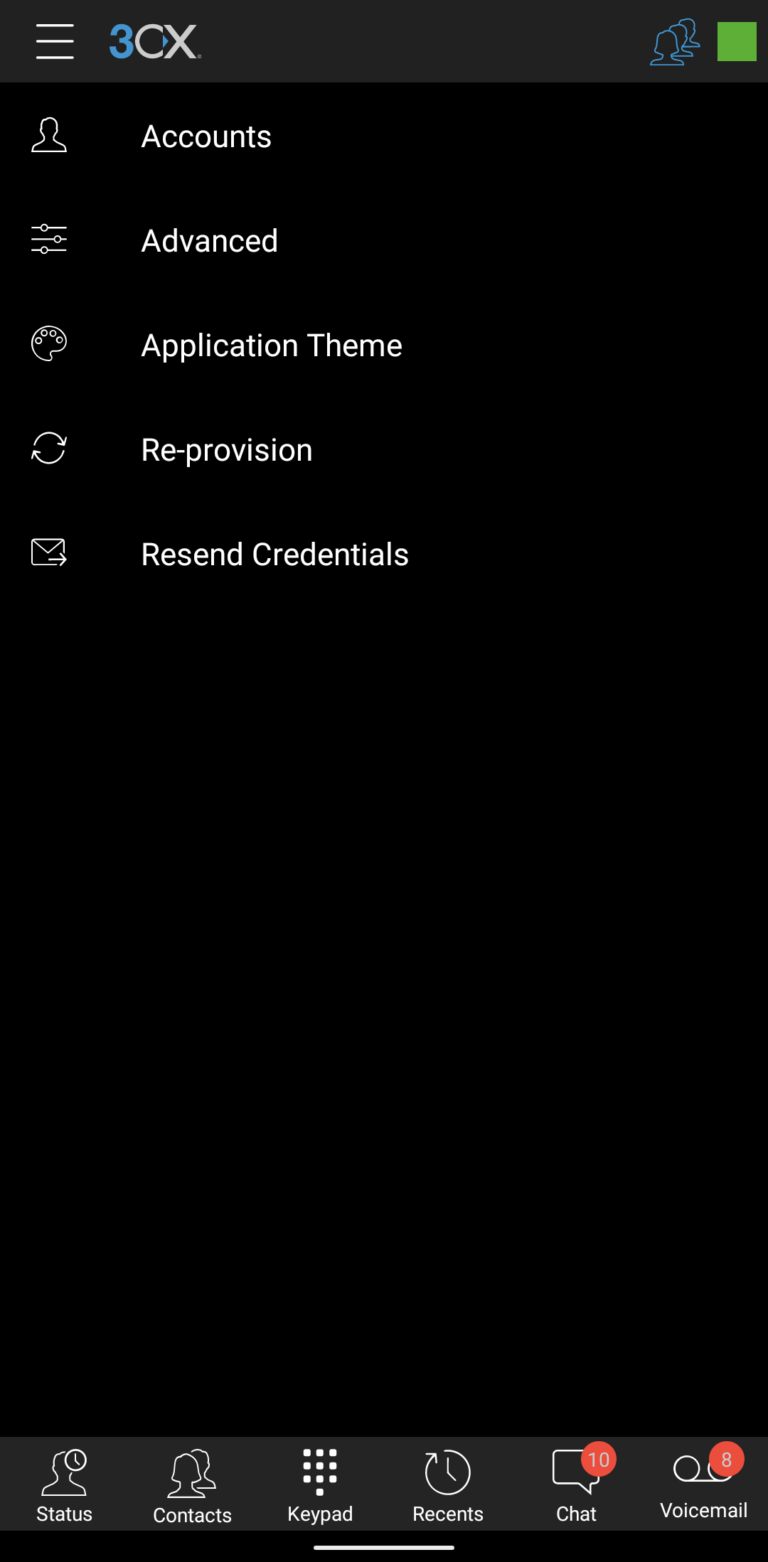
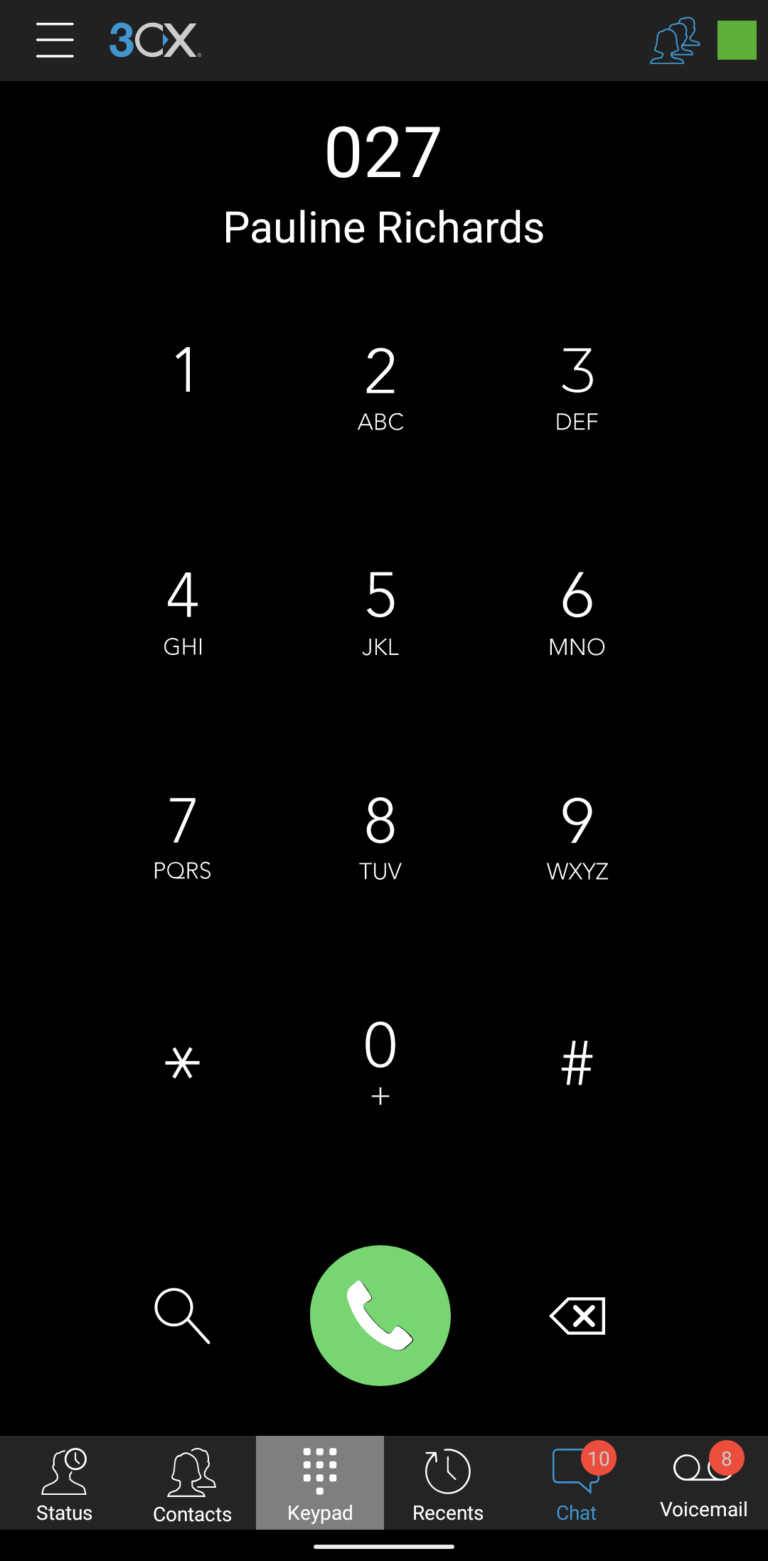
Mobile Applications
Read Our Recent
Blog Posts

- Looking Glass
- npmcode
- 06 January 2022
Children Loves the Cartoons And Our New Channels

- Hard Disk
- npmcode
- 06 January 2022
Broadband Connection Needs To Life Cause of Modern Tech

- Gear Box
- npmcode
- 06 January 2022